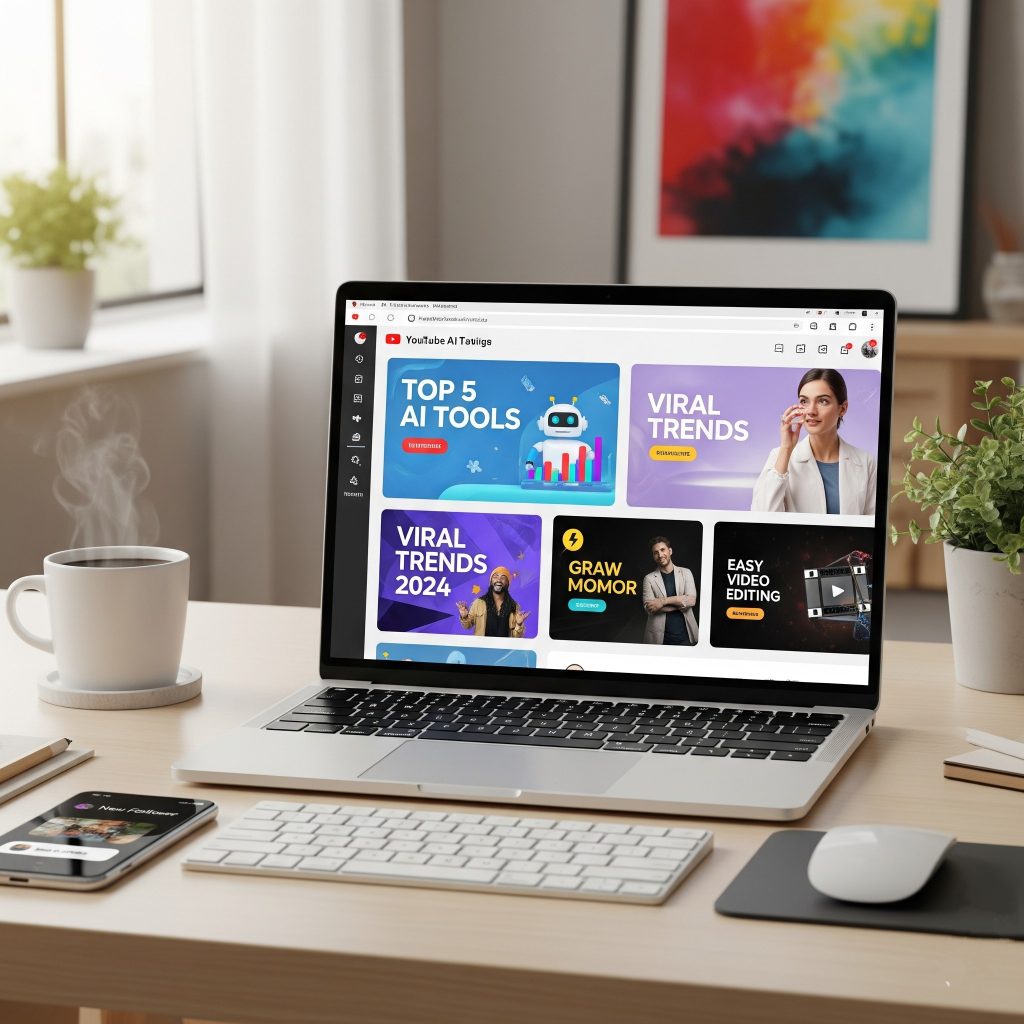
Learn how to make money in 2025 by creating stunning YouTube thumbnails with AI tools. Simple, quick, and highly profitable strategy explained.
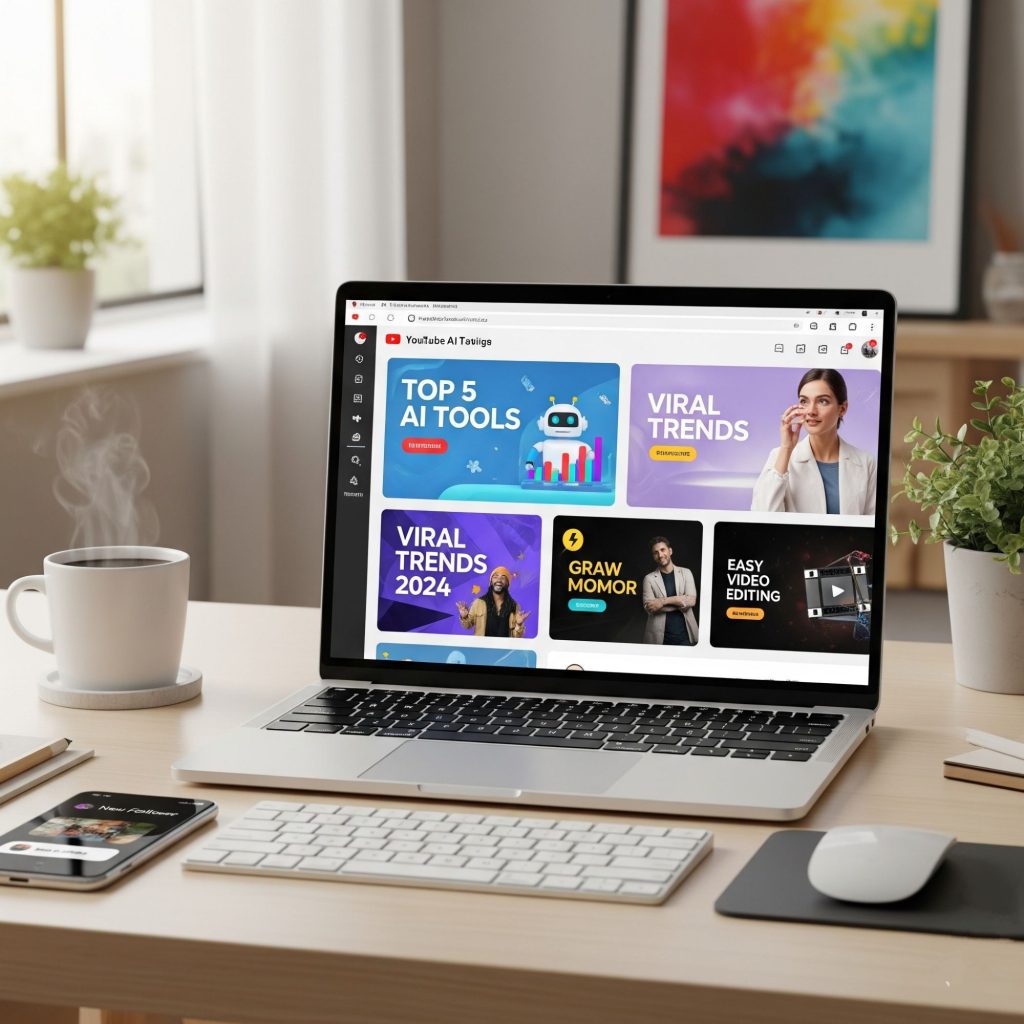
Make Money Fast Using AI Tools for YouTube Thumbnail Creation in 2025
A practical guide to creating high-converting thumbnails with AI, packaging them into services and products, and scaling a profitable thumbnail business in 2025.
Quick promise: learn the tools, workflow, pricing, and go-to-market plan to start earning from thumbnails within days — plus templates, prompts and case studies to copy.
Why Thumbnails Still Matter in 2025 (and beyond)
Even as algorithms evolve, the thumbnail remains a critical signal for clicks. A compelling thumbnail increases the click-through rate (CTR), brings the first wave of views, helps videos get traction, and often determines whether the algorithm gives your video reach. Creators, brands, and agencies pay for thumbnails because each +1% CTR can mean thousands of extra views — and views translate to ad revenue, sponsorship value, and audience growth.
AI makes thumbnail design faster, cheaper, and more testable. Instead of one static image, you can generate dozens of variations, run rapid A/B tests, and deliver a bundle of optimized options. That speed is what buyers will pay for.
Where the Money Is — Monetization Paths
There are several practical ways to make money from AI-powered thumbnail creation:
- DFY thumbnail services for YouTubers and channels — one-off or monthly packs.
- Subscription thumbnail retainer for high-volume creators/agencies (weekly thumbnails).
- Template packs sold on marketplaces (Etsy, Creative Market) or your site.
- AI thumbnail SaaS / web app that generates thumbnails via API and export presets.
- Training & consulting teaching creators how to use AI to iterate thumbnails and run CTA tests.
- Bundled offers — thumbnails + titles + short-form repurpose creatives (higher AOV).
Example economics: a mid-sized creator might pay ₹500–₹2,500 per thumbnail. Selling 60 thumbnails/month at ₹1,200 each = ₹72,000/month (~₹2,400/day).
AI Toolstack — Comparison & Picks (2025)
Use a combination of image-generation models, enhancement tools, and graphic editors. Here’s a practical comparison:
| Tool / Category | Primary Use | Strengths | Limitations |
|---|---|---|---|
| MidJourney / DALL·E / SD | Generate hero images, backgrounds, stylized art | Unique art direction, fast concepting | Raster output, may need editing & upscaling |
| Runway / Leonardo / Kaiber | Image variation, background removal, motion elements | Easy background edits, quick variants | May require subscription for high-res exports |
| Upscalers (Topaz/Gigapixel) | Upscale images to 4K+ for crisp thumbnails | Excellent detail retention | Additional cost, batch processing needed |
| Canva Pro / Photoshop (with generative AI) | Layout, type, export presets, layering | Rapid assembly, templates, export sizes | Canva limited for advanced masking; Photoshop has learning curve |
| Remove.bg / BGRem | Fast subject extraction / masking | Reliable, clean cutouts | Edge cases need manual refine |
| Headline & Hook AI (ChatGPT/Jasper) | Generate title text, emotional hooks, CTAs | Rapid ideation, multiple variants | Needs optimization for platform-specific language |
| Batch Tools (Photoshop Actions / Figma Plugins) | Batch apply color grading, filters, exports | Saves hours for high volume creators | Requires setup time |
Starter stack: MidJourney or SD for hero art, Remove.bg for cutouts, Canva Pro for assembly, Topaz for upscaling, ChatGPT for text hooks.
Complete Workflow: Idea → High-Converting Thumbnail (step-by-step)
This workflow is optimized for speed and conversion. Use it to deliver a thumbnail in 30–90 minutes depending on complexity.
Step 0 — Brief
- Collect: video title, 1-line hook, primary subject, key moment(s), mood (serious/funny), brand colors, and target audience.
- Ask for 2 references (thumbnails they like) to understand aesthetic direction.
Step 1 — Hook & Title Optimization (5–10 mins)
Use ChatGPT to generate 6–10 title variants and 6 short headline/tagline options for the thumbnail (3–6 words max).
Step 2 — Hero Image Generation (10–20 mins)
Generate 6 hero image concepts with a text-to-image model (prompted for style, lighting, and subject). If a real face is needed, request the creator’s high-res frame grab and use background removal + enhancement.
Step 3 — Subject Cutout & Enhancement (5–10 mins)
Remove background (Remove.bg), refine edges in Photoshop or Figma, and upscale if needed. Add color grading or contrast boost to make the subject “pop”.
Step 4 — Layout & Typography (10–20 mins)
Compose using rule-of-thirds, large readable headline, bold subhead, consistent brand mark. Use color contrast (light text on dark overlay or vice versa). Test legibility at 10% size (mobile preview).
Step 5 — Variant Generation (5–15 mins)
Export 6–12 variants: different crops, background options, color accents, headline weight. Deliver a “testing pack” clients can A/B test with.
Step 6 — Deliver & Recommend Test
Provide recommended top 2 variants and a simple A/B test script (swap after 48 hours or run for X views). Offer to monitor performance as an add-on.
Prompts, Templates & Photoshop Recipes
ChatGPT Prompt — Generate Headline Variants
Act as a YouTube thumbnail headline specialist. Given the video title "[VIDEO TITLE]" and hook "[HOOK]", produce 10 short, clickable headline options (3–6 words) optimized for curiosity and clarity. Mark the top 2 picks and suggest 2 testing variations (emojis, number vs question).
Image Gen Prompt — High-Impact Thumbnail Background
Create a dramatic close-up portrait of [subject description], high-contrast rim lighting, shallow depth-of-field, cinematic color grading, bold negative space on right for text overlay — 16:9 crop, high detail.
Photoshop Quick Recipe — Pop Subject
• Duplicate subject layer
• Apply "High Pass" (radius 1.0) + blend "Overlay" for micro-sharpness
• Add Curves layer + S-curve for contrast
• Create a 30% black gradient overlay on background for text legibility
• Use 4px white stroke on main headline for separation
Variant Naming Convention (for clients)
YT_[Channel]_[VideoID]_A1.jpg
YT_[Channel]_[VideoID]_A2.jpg
(Include CSV with variant name, description, recommended test duration)
Save prompts and recipes as templates so your team (or VA) can reproduce quality consistently.
Service Packages & Pricing (Practical)
Price to reflect time saved for creators and the value of views. Example packages (adjust to market):
Starter Pack
- Single thumbnail (2 variants)
- 24–48 hour turnaround
- Price: ₹499–₹1,200
Creator Retainer
- 12 thumbnails / month (weekly deliverables)
- Priority edits + A/B testing report
- Price: ₹8,000–₹20,000 / month
Agency Pack
- Bulk thumbnails (50+), template system, JPEG + PNG + source files
- Dedicated project manager
- Price: custom (₹50,000+)
Template Pack (Passive)
- 20 Canva templates + thumbnail cheat-sheet
- License for creators
- Price: ₹799–₹2,499 on marketplaces
Tip: Offer add-ons — A/B testing monitoring, motion thumbnail (short GIF/MP4), multi-language text variants — to increase AOV.
How to Scale: Teams, Templates, Marketplaces & SaaS
Scaling a thumbnail business means reducing per-thumbnail labor and increasing throughput. Three levers:
1) Systematize (Templates & Presets)
- Create brand templates per channel; reuse color/treatment system.
- Automate exports and variant generation with Photoshop actions, Figma plugins or Canva bulk apply.
2) Productize (Marketplaces & Passive Sales)
- Publish template packs on Etsy, Creative Market, Gumroad.
- Make “thumbnail workflow” bundles: templates + prompt pack + cheat-sheet.
3) Build a Micro-SaaS
- Offer a web app that generates thumbnail drafts from a title + screenshot, with paid export credits.
- Start with a simple widget and sell monthly credits. Later add brand kits and team seats.
One common path: start with DFY services, use revenue to build template packs, then productize the most requested features into a lightweight SaaS.
Mini Case Studies: Quick Wins You Can Copy
Case A — Solo Creator to ₹60k/month
Approach: A freelance designer started offering thumbnail packs on Fiverr and Instagram. She combined DFY orders with a monthly retainer for top 5 clients. She used AI to produce hero images and save time on initial concepting.
Results: 40 thumbnails/month at avg ₹1,500 → ₹60k/mo within two months. Upsell: motion thumbnails + title optimization added ₹10k extra.
Case B — Template Shop on Etsy
Approach: A designer created 30 Canva thumbnail templates + a short tutorial. Launched on Etsy with SEO-optimized listings.
Results: 300 sales in first 3 months at ₹799 avg → passive revenue ~₹80k; complementary DFY services on landing page boosted conversion.
Case C — Agency Thumbnail Retainer
Approach: Small creative agency packaged thumbnail creation + daily short-form repurposes for YouTube channels. Added a CRO test service for thumbnails.
Results: 6 channel retainers @ ₹18k/month = ₹108k/month; team of 3 designers handling volume via templates and actions.
Get Clients Fast — Outreach & Conversion Tactics
1) Creator Outreach
DM script: "Love your channel — quick idea: a thumbnail tweak could boost CTR on . I can make 2 quick variants for free and we can A/B test. Interested?"
2) Content Marketing
- Publish before/after thumbnail case studies on LinkedIn & Twitter
- Create short videos showing thumbnail improvements and performance lifts
3) Marketplaces & Organic SEO
- List template packs on Etsy, Creative Market, Gumroad
- Optimize product listings for “YouTube thumbnail template”, “thumbnail pack” keywords
4) Partnerships
- Partner with video editors, YouTube managers, and thumbnail testing services
- Offer referral fees or split revenue on client projects
Recommended Daily Routine for a Thumbnail Creator
Suggested 9–5 rhythm to balance production, sales, and growth.
- 9:00–9:30 AM — Check orders, review overnight messages, quick metrics (open rates on emails, new leads)
- 9:30–11:30 AM — Creative block: generate hero images, assemble thumbnails
- 11:30–12:30 PM — Batch exports, generate variants, upload to client folders
- 12:30–13:30 PM — Lunch + quick learning (trends on top creators)
- 13:30–15:00 PM — Outreach & proposal follow-ups
- 15:00–16:30 PM — Quality control, A/B test monitoring, client reporting
- 16:30–17:00 PM — Plan next day, update templates, short experiment (new color scheme)
Copyright, Likeness & Best Practices
- Use creator-provided images when working with real faces — get written permission to edit and use.
- AI images & likeness: avoid generating thumbnails with recognizable celebrity likeness without explicit license; it risks takedowns.
- Trademark safety: don’t use logos or trademarks without permission in thumbnail art for monetized clients.
- Deliverables & licensing: make usage rights clear in contracts — usually “exclusive for video thumbnails” or “non-exclusive commercial license.”
Related TrendVibz Guides (Internal Links)
- Sell AI-Generated Logos to Startups & Small Businesses — pair logos with thumbnail branding packages.
- How AI Can Help You Start a Print Blog Business — expand into printable thumbnail cheat-sheets and creator workbooks.
- Earn Money with AI-Powered Tools for Businesses — productize thumbnail workflows into micro-tools.
- Amazing Guide: Make ₹2000 Daily with AI Chatbots in 2025 — combine chatbots to sell thumbnail templates and services automatically.
Final Action Plan — Get Paid This Week
- Pick one monetization path (DFY thumbnail pack or template pack).
- Set up starter stack: MidJourney/SD + Remove.bg + Canva Pro or Photoshop + ChatGPT for headlines.
- Create 6 demo thumbnails for 2 niches (gaming, finance, lifestyle). Publish before/after examples in a simple portfolio.
- Outreach: DM 30 creators offering 2 free variants for an A/B test. Convert 10% into paid clients.
- List 3 template packs on Etsy/Gumroad and promote via short-form videos showcasing transformations.
If you follow the workflow and outreach plan, you can start earning within days — scale with templates and retainers to build predictable monthly income.